
 Search

FAQ
How Do I Backup My Website? The Importance of Backup!
- Şanlısoy
- 13/03/2026 20:04
Why Should I Backup? The Critical Importance
Your website suddenly crashing, being hacked, or experiencing data loss can be a disaster for your business. Backup is the insurance for your digital assets. Overnight, all your content, customer information, and efforts can disappear. Regular backup is the most effective protection method against these risks.
Backup is not just a technical process, but a business continuity strategy. For e-commerce sites, even hourly losses mean thousands in damage. For corporate sites, reputation loss can be irreparable. By backing up, you minimize data loss risk and can recover quickly during potential crises. Remember: Those who don't backup will regret it one day!

What Should I Backup? Files and Database
For a complete backup, you must store two critical components: site files and database. Site files include themes, plugins, images, and all static content. You should download folders like public_html, wp-content via FTP or hosting panel. These files create your site's appearance and functionality.
The database is the heart of dynamic content. User information, orders, blog posts, comments - everything is stored here. You should export in SQL format via phpMyAdmin. If using WordPress, note the database information in wp-config.php. Take both backups separately and regularly. Only file backup or only database backup is insufficient; together they create a complete backup.

Manual and Automatic Backup Methods
Manual backup is done through hosting panels like cPanel, Plesk, or DirectAdmin. You can take full backup using Backup Wizard. Alternatively, download files via FTP client and export database via phpMyAdmin. Manual backup is free but has high risk of being forgotten.
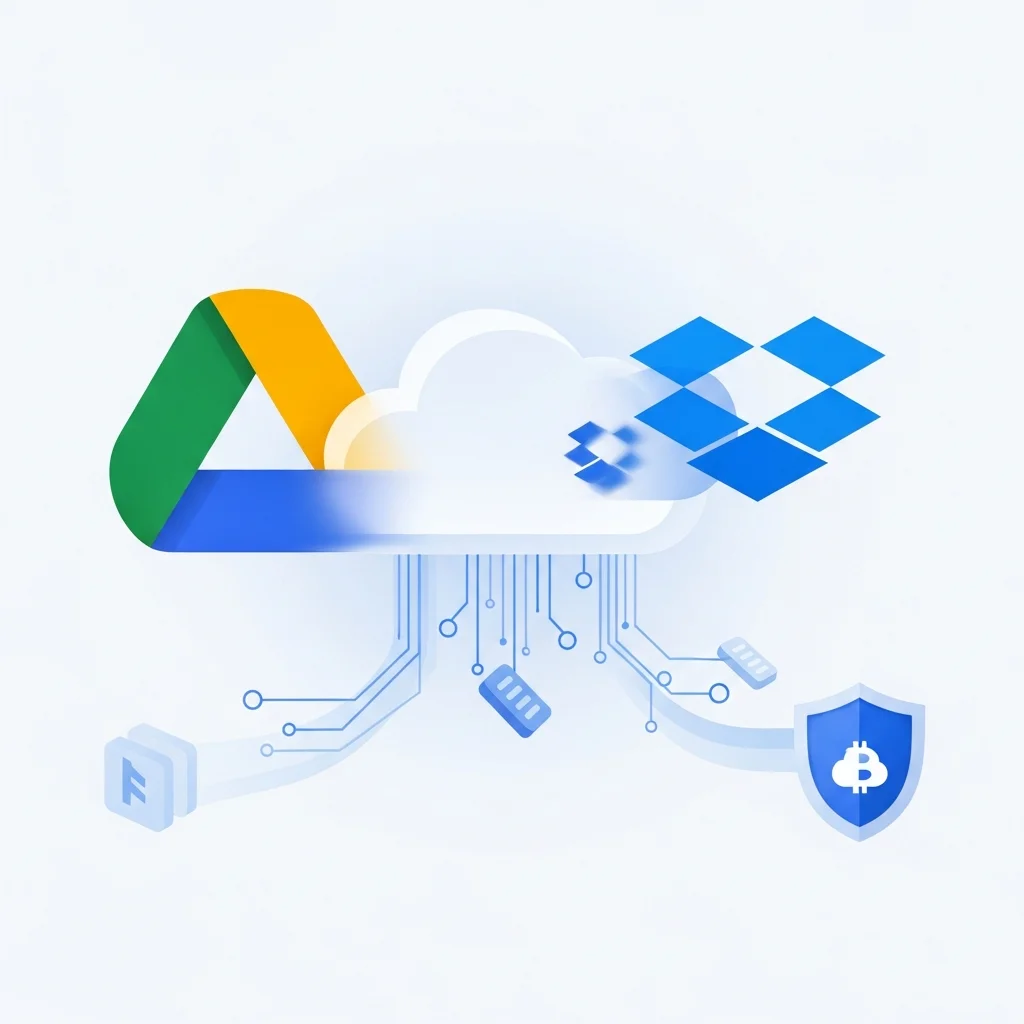
For automatic backup, WordPress plugins are ideal. Plugins like UpdraftPlus, BackupBuddy, VaultPress, or All-in-One WP Migration take automatic backups at your specified frequency. These can send backups to cloud services like Google Drive, Dropbox, or Amazon S3. You can also use automatic backup services offered by your hosting company. Automatic backup is the best solution against forgetfulness and protects your business.

Backup Frequency and Best Practices
Backup frequency varies based on how often your site is updated. For e-commerce sites and daily blogs, daily backup is mandatory. For corporate sites updated a few times a week, weekly backup is sufficient. For static sites, even monthly backup may work. However, weekly backup is the safest approach.
Keep backups for the last 30 days and store in multiple locations. Apply the 3-2-1 rule: 3 copies, 2 different media, 1 offsite (cloud). Test your backups regularly to ensure they can be restored. Take manual backups before important updates. Make backup a habit; it will save you in panic situations. Remember: Backup cost is nothing compared to data loss cost!
 İlgili Kelimeler:
- website backup importance
- why backup
- site backup
- data loss prevention